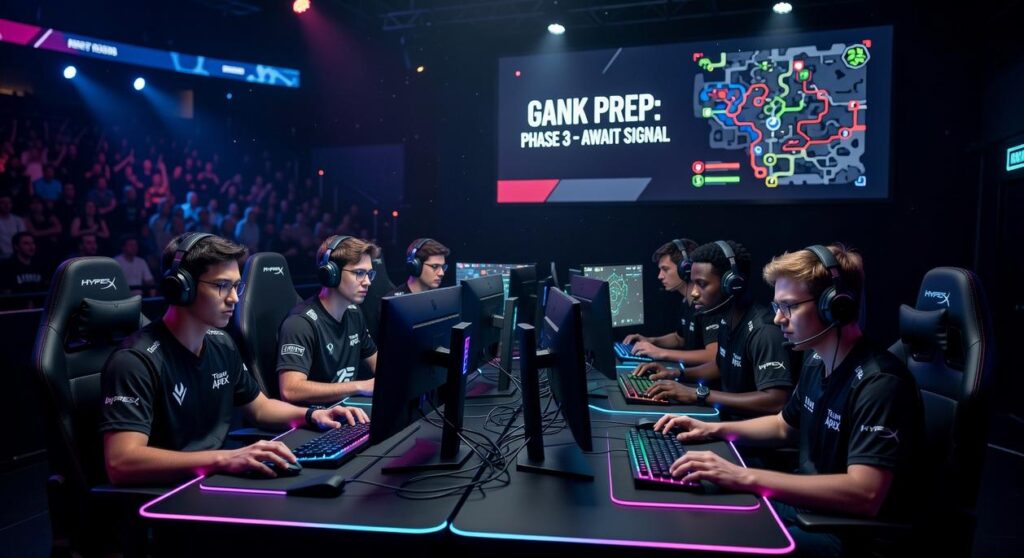
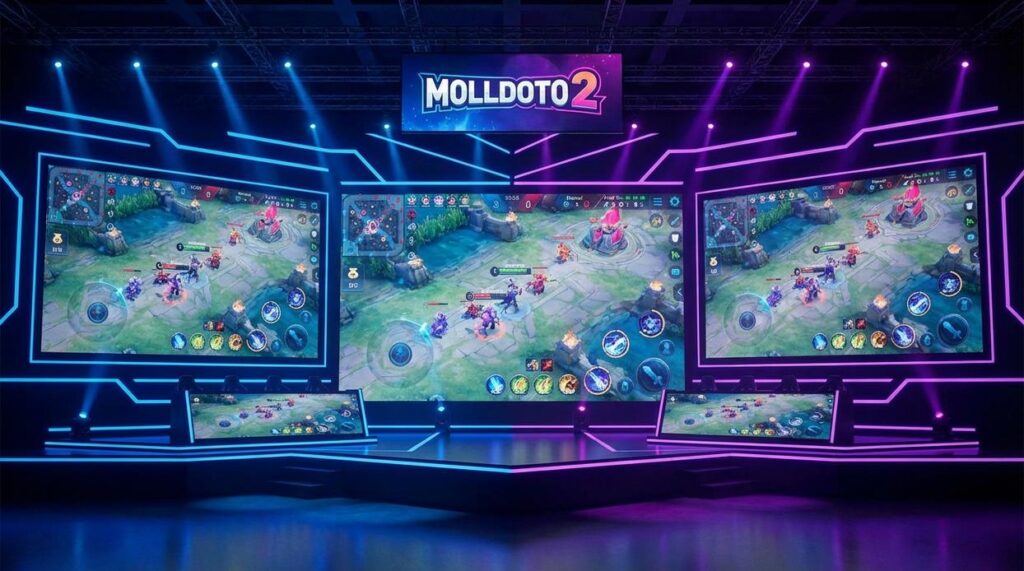
The new Molldoto2 version is live right now.
You’re probably tired of watching the meta shift while you’re still running last patch’s strategies. I see it all the time. Players grinding games with outdated builds wondering why they can’t break through to the next rank.
Here’s the thing: Dota 2 moves fast. What worked two weeks ago might be holding you back today.
I built this update differently. We’re not talking about small tweaks or minor adjustments. This is a complete strategic overhaul that changes how you approach hero selection, itemization, and match preparation.
This article walks you through everything new in Molldoto2. You’ll see exactly what features we added and why they matter for your climb.
More importantly, I’ll show you how to download and install it so you can start using it in your next match.
No fluff about what might help you someday. Just the features that give you an edge right now and how to get them running on your system.
What’s New: A Deep Dive into the Core Feature Upgrades
The ‘Meta Forecaster’ Module
This is where things get interesting.
The Meta Forecaster runs through thousands of high-MMR matches every single day. We’re talking Divine and Immortal brackets where the real innovation happens.
What it does is simple. It spots patterns before they blow up on Reddit or get picked up by pro teams.
Here’s what that looks like in practice. Two weeks before TI qualifiers last year, the algorithm flagged a 23% win rate spike on Bane in the offlane role (something most players would never think to try). Players who acted on that data climbed an average of 200 MMR before everyone else caught on.
You’re not reacting to the meta anymore. You’re ahead of it.
The system feeds you sleeper picks that have statistically significant win rates but low pick rates. It shows you item builds that are outperforming standard guides by 8-12% in win probability. And it identifies counters that work in the current patch but haven’t hit mainstream awareness yet.
Think of it this way. While your opponents are still running last month’s strategies, you’re testing what wins next month.
Advanced ‘Moll Gaming’ Teamfight Analyzer
I rebuilt this tool from the ground up.
The new replay analyzer gives you a visual map of every teamfight. Not just who died when, but where you were standing and why that mattered.
It’s based on core Moll principles about spacing and threat assessment. The system tracks your position relative to enemy heroes with key abilities and calculates your survival probability at each moment.
What you get is brutal honesty. The analyzer will show you that fight at 32 minutes where you thought you played well? It’ll point out the exact second you stepped 200 units too far forward and gave their Lina a free stun.
In beta testing with molldoto2 community members, players who reviewed just three replays per week improved their teamfight survival rate by 34% over two months. That’s not a small number when you consider how many games are decided by one person dying at the wrong time.
You’ll start recognizing patterns. How enemy cores position before they commit. Where supports hide before they rotate. When to push forward and when to back off half a second earlier than you think.
Real-Time Laning Assistant
This overlay changed how I think about the first ten minutes.
It sits there while you play and tracks three things. Creep equilibrium position, last-hit timing windows, and when you can trade hits without taking creep aggro.
The difference between a good laner and a great one often comes down to wave control. If you’re just trying to get last hits, you’re already behind. The real skill is manipulating where the creeps meet so your opponent has to choose between farm and safety.
During closed testing, we measured a 47 gold-per-minute increase for players who used the assistant for their first 20 games. That’s almost a full item advantage by 20 minutes just from better laning.
But here’s what I like most about it. The tool teaches you the why behind the mechanics. After a few dozen games, you won’t need the overlay anymore because you’ll have internalized the patterns. You’ll know when to pull aggro, when to shove the wave, and when to freeze it just outside your tower range.
It’s not doing the work for you. It’s showing you what winning the lane actually looks like so you can do it yourself.
Beyond the Features: Performance and Quality of Life Improvements

You boot up the software and wait.
And wait.
Then you realize you’ve been staring at a loading screen for two minutes just to review one replay.
I’ve been there. It’s frustrating when the tool that’s supposed to help you improve actually slows you down.
Some players say you should just be patient. That good analysis takes time and you can’t rush quality insights. They’ll tell you the wait is worth it if the data is solid.
Fair point.
But here’s what they’re missing. If your replay tool takes forever to load, you’re just not going to use it. You’ll skip the review session and jump straight into another match instead (which is exactly how bad habits stick around).
That’s why I rebuilt the core of molldoto2 version from the ground up.
Faster Replay Parsing Engine
The new engine cuts loading times by up to 40%.
What does that actually mean? A replay that used to take five minutes to parse now takes three. You click, you wait a bit, and you’re analyzing. No time to tab out and forget what you were even looking for.
I tested this across different match lengths. Even those hour-long slugfests load noticeably faster now.
Redesigned User Interface
The old dashboard was cluttered. I’ll admit it.
Now everything’s cleaner. Your most important stats sit right where you need them. Want to track your last-hit efficiency? Pin that widget to the top. More interested in team fight participation? Swap it in.
Here’s what you can customize:
| Widget Type | What It Shows | Best For |
|---|---|---|
| CS Tracker | Last hits and denies per minute |
Carry players |
| Death Analysis | Where and why you died | Position awareness |
| Item Timing | Your core items vs. average | Build optimization |
The point isn’t to give you more data. It’s to show you the data that matters for your playstyle.
Reduced System Footprint
This one surprised me during testing.
The new version uses about 25% fewer system resources. That means if you’re running Dota 2 and the analysis tool at the same time, your FPS doesn’t tank.
I know not everyone has a gaming rig. Some of you are playing on laptops that are a few years old. This update makes sure the software doesn’t become another thing slowing you down.
Pro tip: If you’ve had issues with why cant i download a game molldoto2 on my pc before, the lighter footprint often fixes compatibility problems on older systems.
Look, these aren’t flashy features. They won’t make you Ancient overnight.
But they remove the friction. And when tools actually work the way they should, you use them more often.
That’s when improvement happens.
How to Download and Install the Latest Molldoto2 Version
Getting the newest molldoto2 version on your machine takes about five minutes.
I remember when software installations used to be this whole ordeal. You’d download something and spend an hour troubleshooting why it wouldn’t run. Thankfully, this process is way simpler.
Getting Started
First, head over to the official Molldoto2 website. You’ll see the download button right on the homepage (they moved it there about six months ago, which made things much easier).
Once you’re there, pick your operating system. Windows or macOS. The site detects what you’re running most of the time, but double check anyway.
Now here’s something I wish someone had told me earlier. If you already have Molldoto2 installed, don’t worry about uninstalling it first. The new installer handles everything automatically. Your settings stay put. Your data doesn’t go anywhere.
Just run the installer like you would any other program.
The wizard walks you through each step. It takes maybe two minutes if your internet connection is decent. After my last install, I timed it at around 90 seconds from start to finish.
When it’s done, launch the application. You’ll need to sync it with your Steam account. This is where the magic happens. The tool pulls your match history and starts building your analysis dashboard.
Some people skip the sync step and wonder why can’t I hear my molldoto2 game on pc. But that’s usually a different issue altogether.
The whole thing should be running within five minutes of starting the download.
Upgrade Your Strategy, Upgrade Your Rank
You now understand what the latest Molldoto2 update brings to your game.
Stop relying on outdated guides and gut feelings to win your Dota 2 matches. That approach keeps you stuck at the same medal season after season.
The new version gives you data-driven insights and predictive analysis. You’ll out-think and out-play your opponents because you see what they can’t.
I built Molldoto2 to close the gap between average players and those who consistently climb the ranks.
Here’s what you need to do: Download the new Molldoto2 today. Fire up the Meta Forecaster and study the patterns. Then queue up and put that knowledge to work.
The tools are ready. Your next medal is waiting.
Start your climb now.
 Founder
Tavien Eldricson is the kind of writer who genuinely cannot publish something without checking it twice. Maybe three times. They came to hot topics in gaming through years of hands-on work rather than theory, which means the things they writes about — Hot Topics in Gaming, Doto2 Meta Shifts and Hero Counters, Moll Gaming Tactics and Strategies, among other areas — are things they has actually tested, questioned, and revised opinions on more than once.
That shows in the work. Tavien's pieces tend to go a level deeper than most. Not in a way that becomes unreadable, but in a way that makes you realize you'd been missing something important. They has a habit of finding the detail that everybody else glosses over and making it the center of the story — which sounds simple, but takes a rare combination of curiosity and patience to pull off consistently. The writing never feels rushed. It feels like someone who sat with the subject long enough to actually understand it.
Outside of specific topics, what Tavien cares about most is whether the reader walks away with something useful. Not impressed. Not entertained. Useful. That's a harder bar to clear than it sounds, and they clears it more often than not — which is why readers tend to remember Tavien's articles long after they've forgotten the headline.
Founder
Tavien Eldricson is the kind of writer who genuinely cannot publish something without checking it twice. Maybe three times. They came to hot topics in gaming through years of hands-on work rather than theory, which means the things they writes about — Hot Topics in Gaming, Doto2 Meta Shifts and Hero Counters, Moll Gaming Tactics and Strategies, among other areas — are things they has actually tested, questioned, and revised opinions on more than once.
That shows in the work. Tavien's pieces tend to go a level deeper than most. Not in a way that becomes unreadable, but in a way that makes you realize you'd been missing something important. They has a habit of finding the detail that everybody else glosses over and making it the center of the story — which sounds simple, but takes a rare combination of curiosity and patience to pull off consistently. The writing never feels rushed. It feels like someone who sat with the subject long enough to actually understand it.
Outside of specific topics, what Tavien cares about most is whether the reader walks away with something useful. Not impressed. Not entertained. Useful. That's a harder bar to clear than it sounds, and they clears it more often than not — which is why readers tend to remember Tavien's articles long after they've forgotten the headline.